
How to Use Naver Map When Searching for an Apartment in Korea
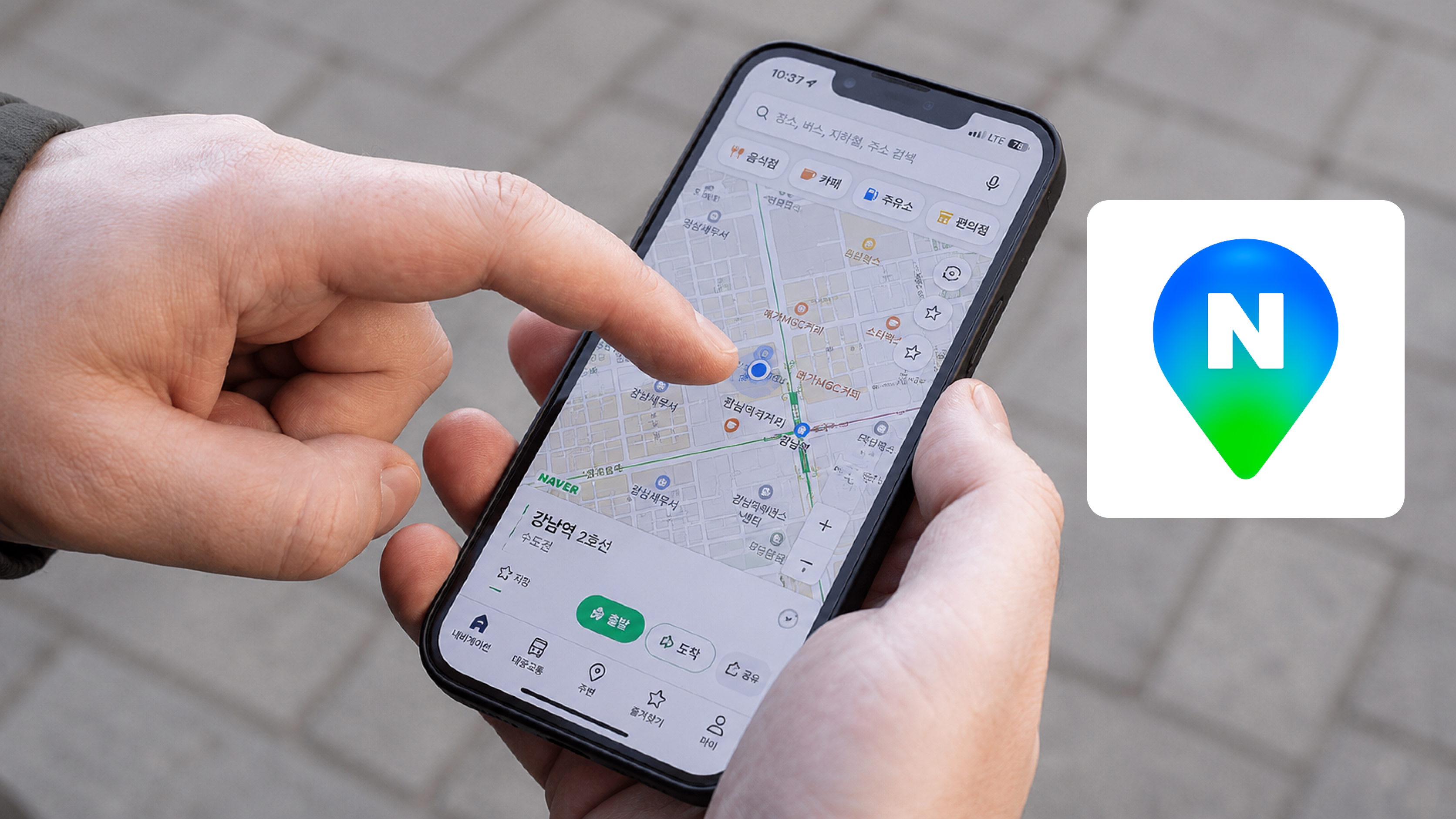
Naver Map (네이버 지도) is the most widely used mapping app in Korea — more reliable than Google Maps for Korean addresses, transit directions, and local information. When you're searching for housing, it becomes an essential tool for checking locations, estimating commute times, and assessing neighborhoods before you visit. Here's how to use it effectively.
Download and Setup
Download: Search "Naver Map" on the App Store or Google Play, or go directly to:
- iOS: https://apps.apple.com/app/naver-map/id311867728
- Android: https://play.google.com/store/apps/details?id=com.nhn.android.nmap
The app is in Korean by default. You can switch to English in Settings (설정) → Language (언어) → English. Note that some place names and street names will still appear in Korean even in English mode.
Checking a Listing's Location
When you find a listing on any platform, the first thing to do is verify the actual location on Naver Map.
Search the address: Paste the Korean address into the Naver Map search bar. It will pinpoint the exact building. Check:
- How far is it really from the subway station? (Not the listed "5 min walk" — measure it yourself)
- Which exit of the station is closest?
- What's on the surrounding streets? Convenience stores, restaurants, bus stops?
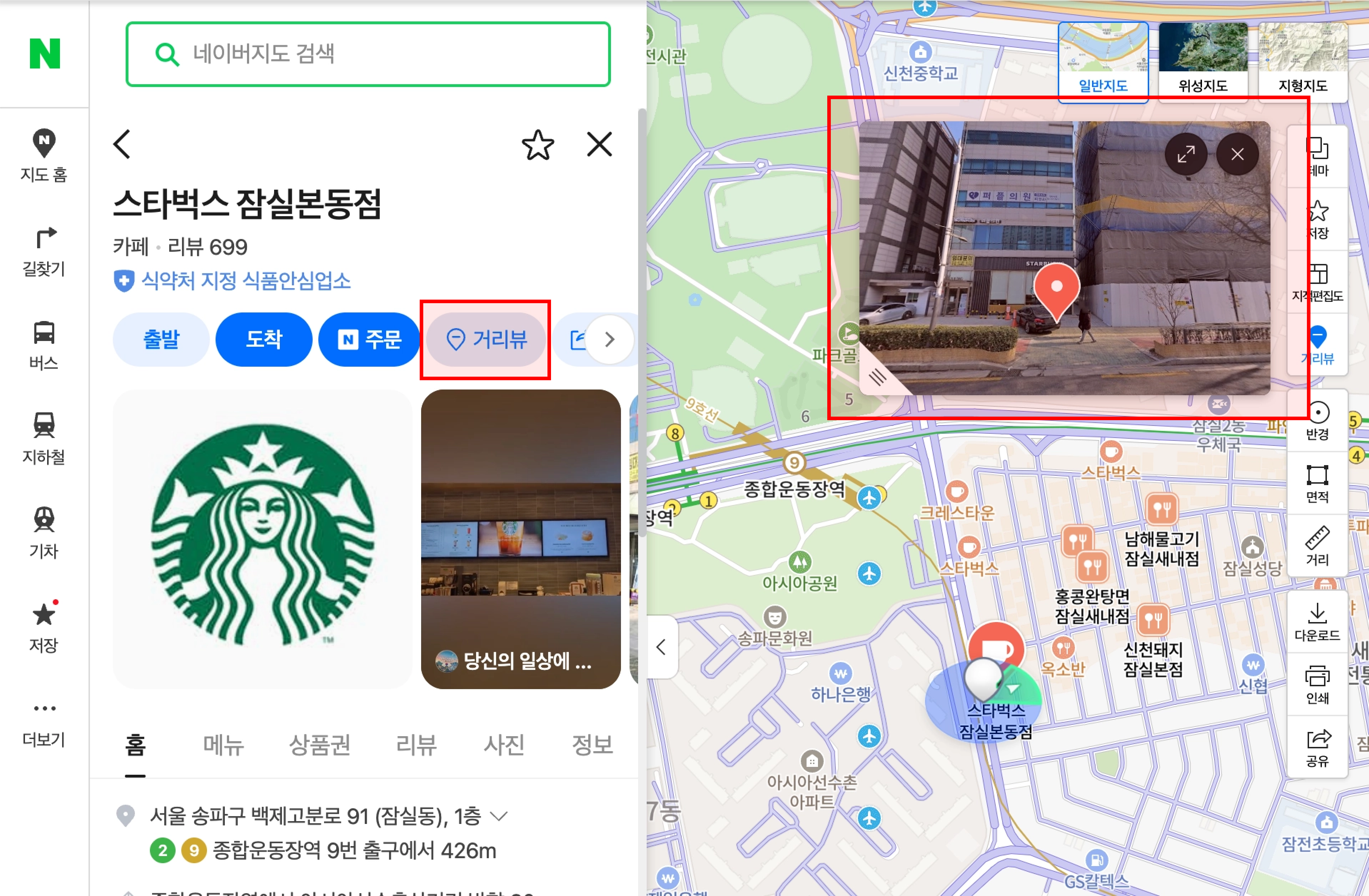
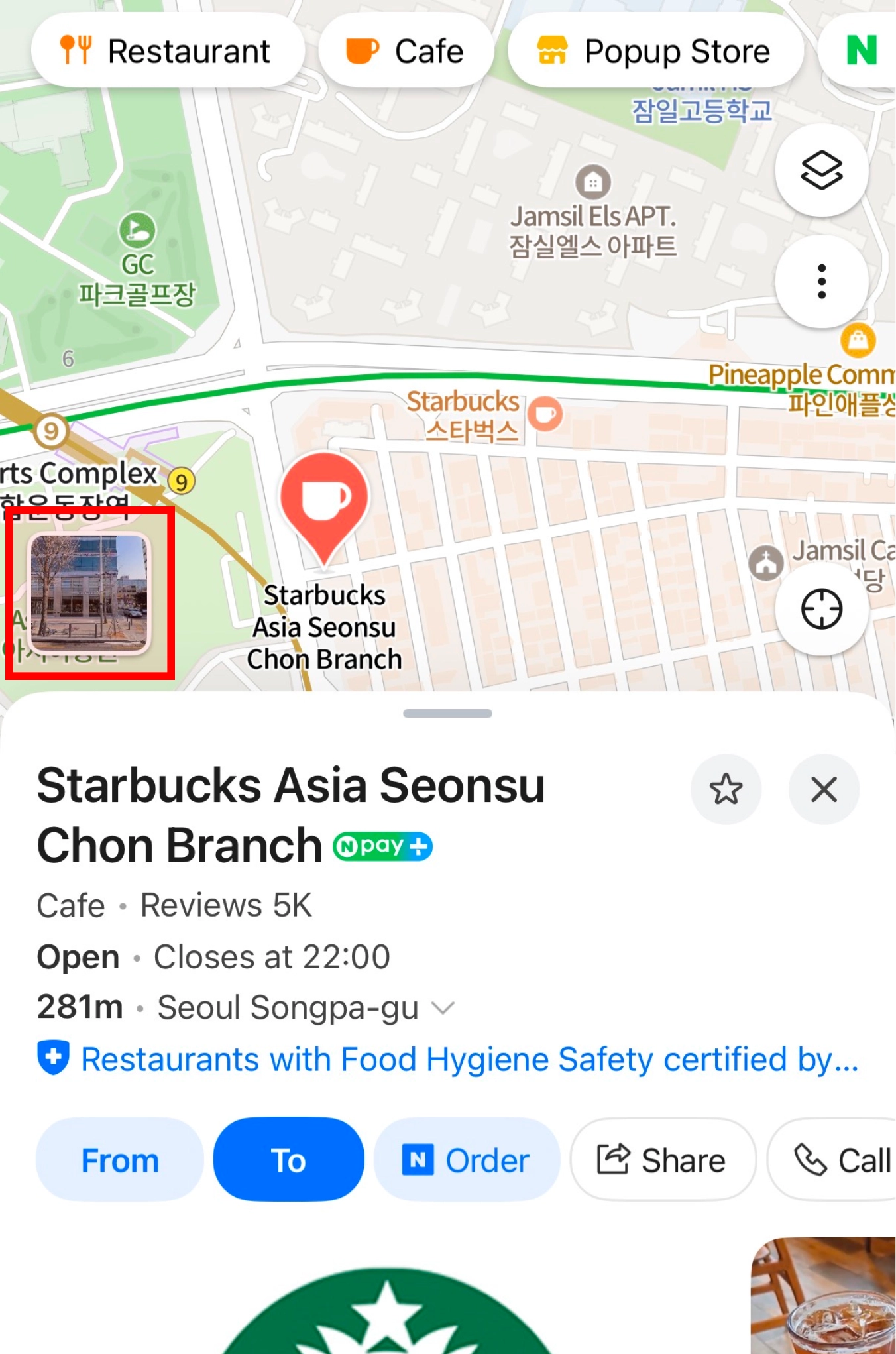
Street View (거리뷰): Tap the Street View icon to see what the building and street actually look like. This is invaluable for remote searches — listing photos show the room, but Street View shows the neighborhood, the building exterior, and the street conditions.
Checking Commute Times
Naver Map's transit directions are significantly more accurate than Google Maps for Korean public transport.
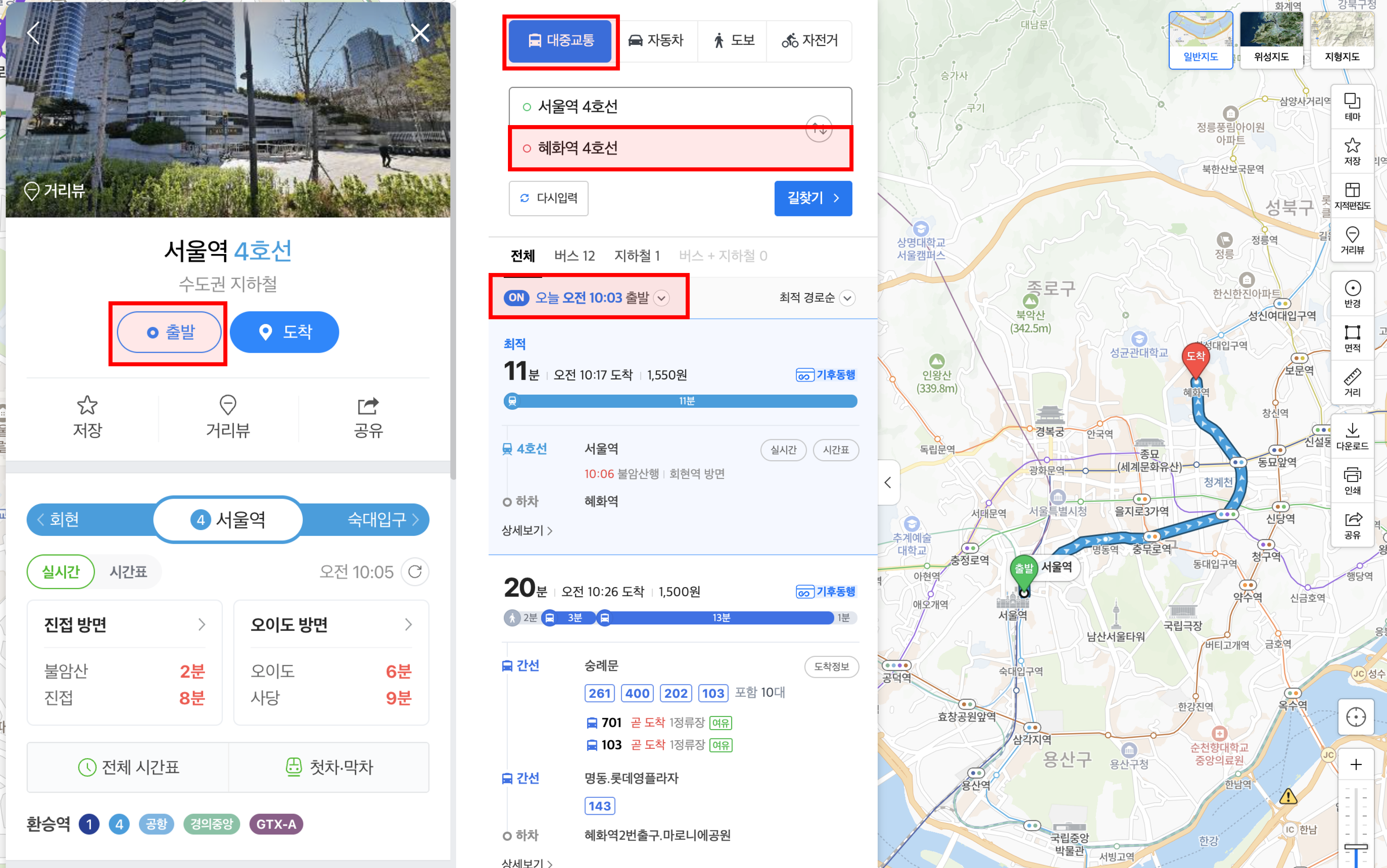
How to check your commute:
- Search your potential apartment address
- Tap 출발 (From)
- Enter your destination (university, workplace)
- Select 대중교통 (Public Transit)
- Check the results at different times of day — commute time at 8:30am is different from 11am
What to check:
- Total commute time door-to-door (not just subway time)
- Number of transfers
- Walking distance from the station at each end
- Whether the route involves hills (map elevation isn't shown, but Street View helps)
Assessing the Neighborhood
Nearby amenities: Search for convenience stores (편의점), supermarkets (마트), pharmacies (약국), laundromats (세탁소), and cafes near the listing. A neighborhood where everything is within a 5-minute walk significantly improves daily quality of life.
Check the area at different times: Naver Map's Street View images are timestamped — you can sometimes find images from different seasons or times of day. For nighttime safety assessment, visit in person.
Noise check: Look for clubs, bars, or entertainment venues (유흥주점, 노래방) within 100–200m of the listing. These are harder to spot on a map but visible in category searches.
Finding Real Estate Offices Near a Listing
If you want to visit local agencies to ask about listings in a specific area:
- Search the neighborhood name on Naver Map
- Tap 부동산 in the category filters
- Nearby real estate offices (공인중개사사무소) will appear with ratings and contact numbers
Most offices are clustered near subway station exits.
Useful Korean Search Terms for Naver Map
| What you're looking for | Search term |
|---|---|
| Subway station | [Station name] 역 |
| Convenience store | 편의점 |
| Supermarket | 마트 / 슈퍼 |
| Pharmacy | 약국 |
| Laundromat | 빨래방 / 코인세탁소 |
| District office (for address registration) | 주민센터 |
| Real estate office | 부동산 / 공인중개사 |
| Post office | 우체국 |
| Hospital / clinic | 병원 |